Experience Flicknexus with zero buffering. 20,000+ live channels, 60,000+ movies & series in true 4K/8K quality. Free 24-hour trial. 24/7 US-based support.
Cheap IPTV costs less… until it doesn't work. Get the reliable experience for From €4.91 per month.
























Access a massive collection of 177,000+ movies and series. From classic cinema to blockbusters and top-rated TV shows, our VOD collection is updated weekly so you never run out of things to watch.


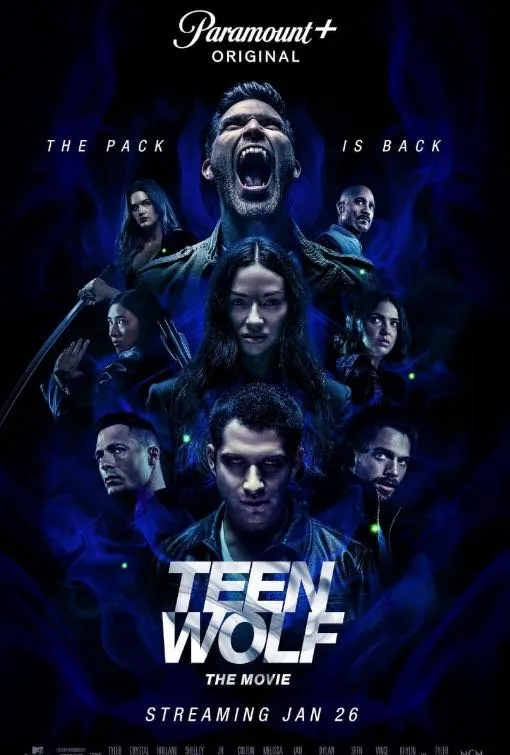







Watch every game live. Get unlimited access to major leagues including Premier League, UEFA Champions League, Formula 1, MotoGP, PPV events, and international matches with high-speed, anti-buffering servers.








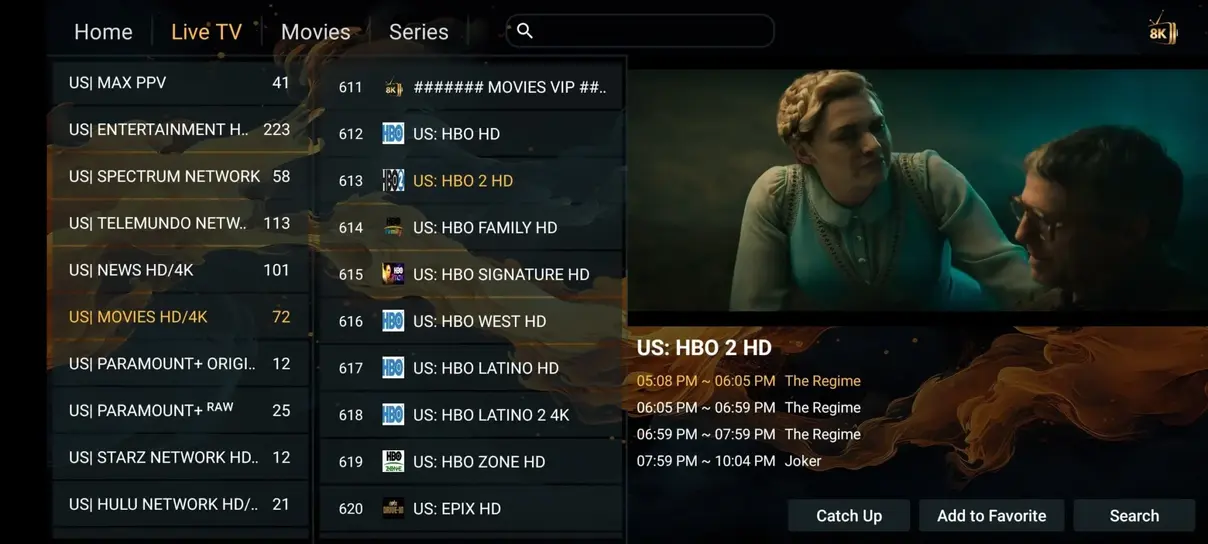
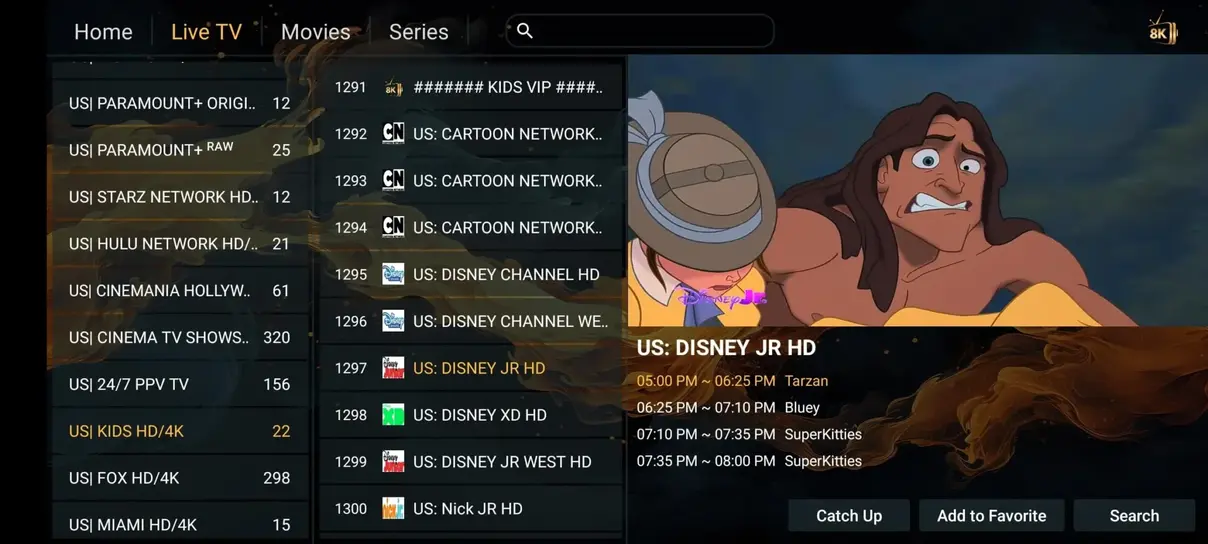
Explore our intuitive interface. Structured with clean layouts, quick navigation category panels, and easy-to-use search bars, making it simple to find what you want to watch.
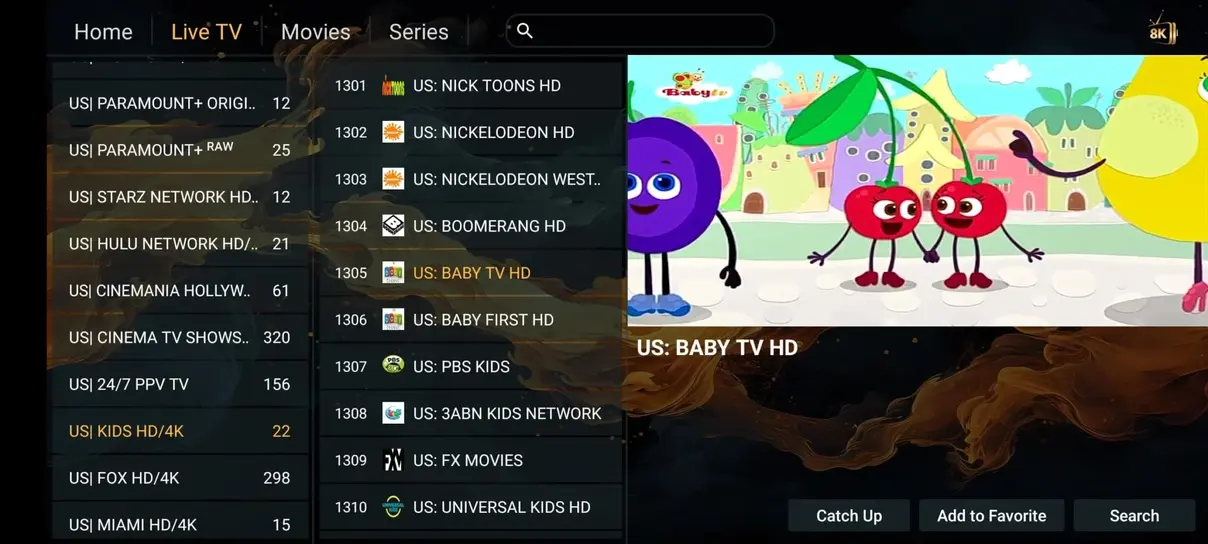
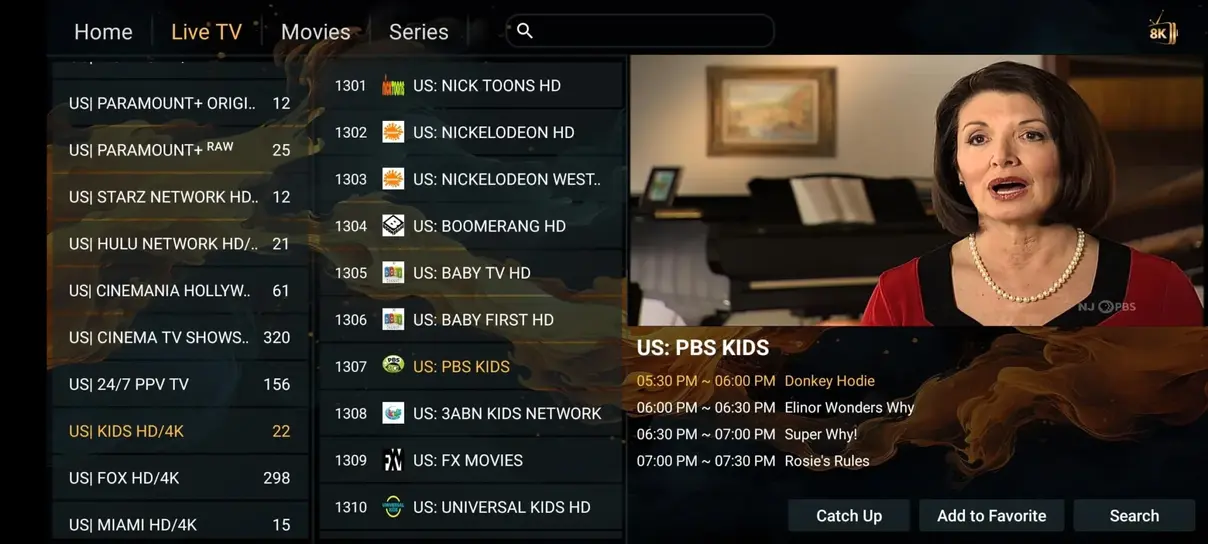
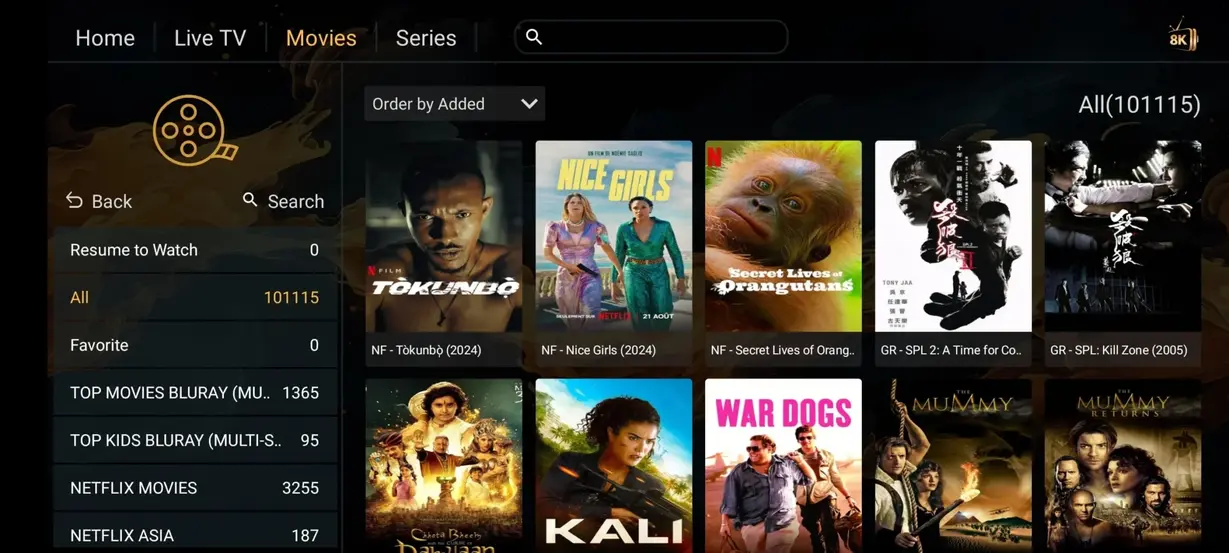
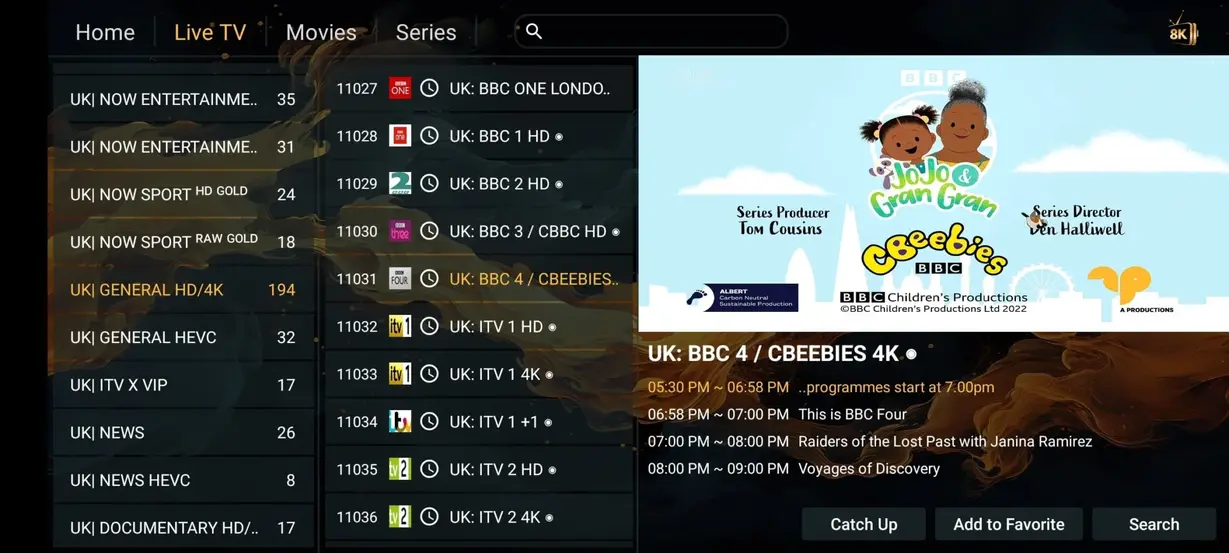
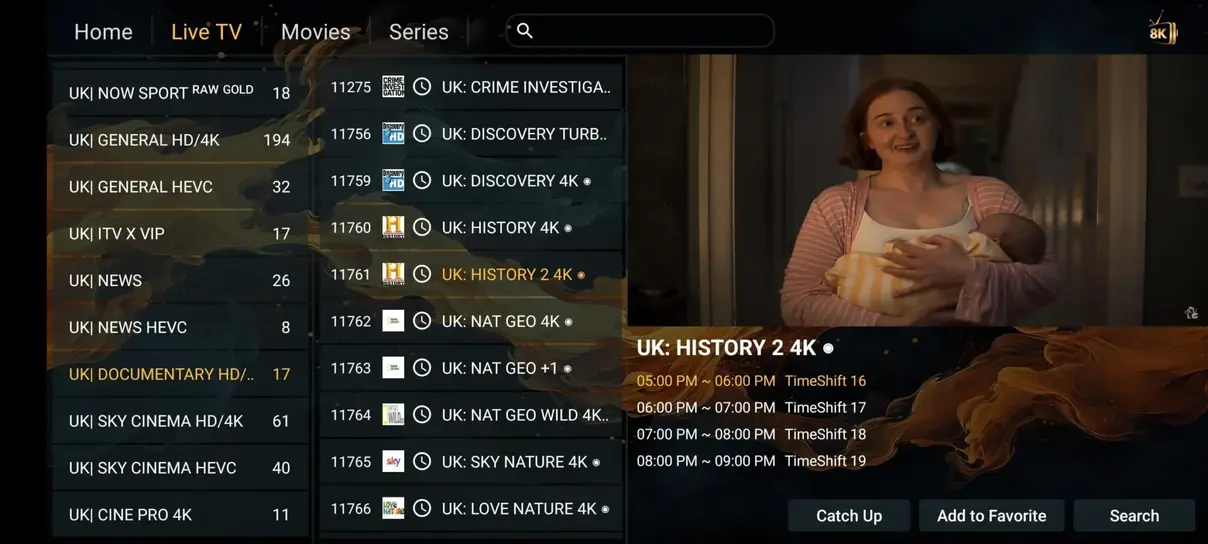
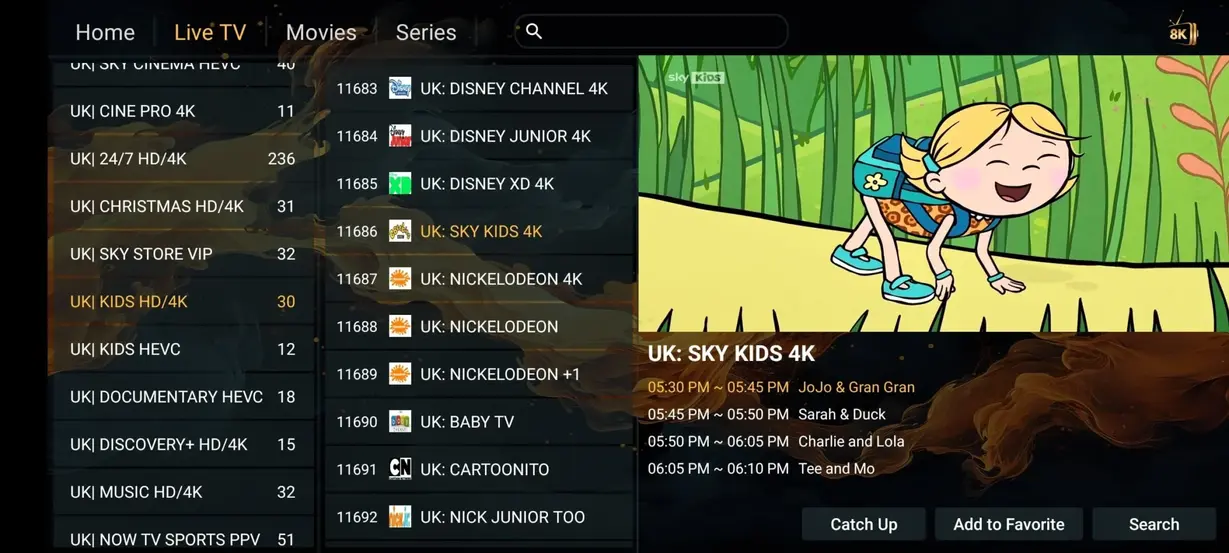
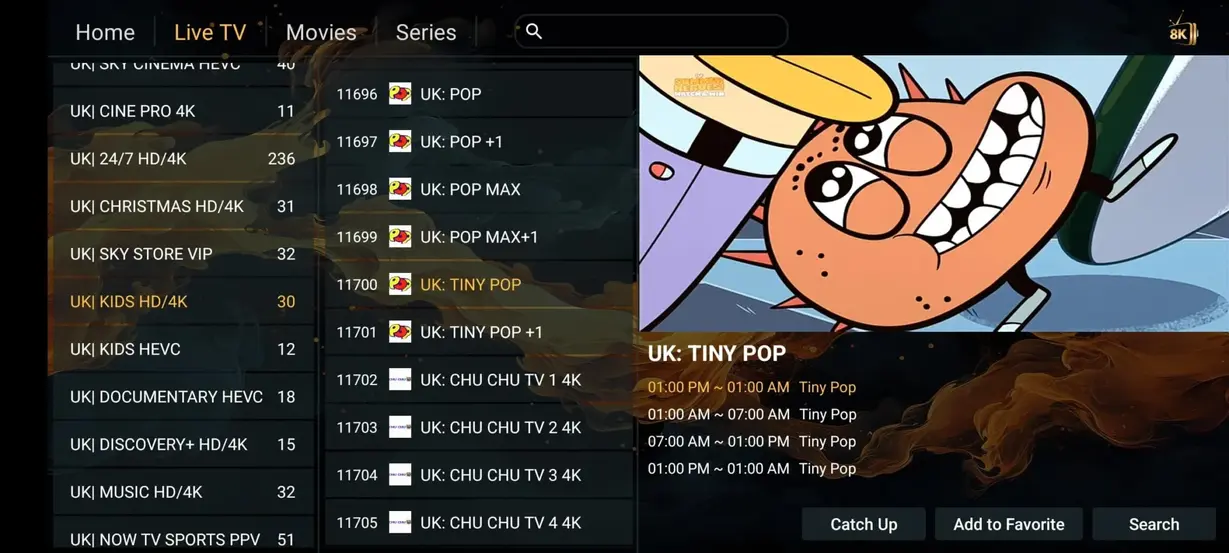
See how us compares to traditional TV providers and expensive cable subscriptions. Switch to flicknexus and save hundreds of dollars each year.
| Feature | flicknexus Premium | Cable & Satellite TV |
|---|---|---|
| Annual Cost | €59.00 / year | €1,200+ / year |
| Live Channels | 41,821+ Channels | 200–500 Channels |
| Movies & Series | 177,000+ On-Demand (Free) | Pay extra per title/package |
| 24/7 Channels | 1,000+ Dedicated Channels | None |
| All Sports Included | Included | ✗ Not included |
| No Contracts Required | Yes | ✗ No (12-24m commitment) |
| Watch Anywhere | Yes (All devices compatible) | ✗ Limited to home box |
Get instant access to premium streaming servers. All plans are backed by our 7-day money-back guarantee and 24/7 support.

No more fighting over the remote control! With our Multi-Screen subscription, everyone can watch what they want at the same time. Whether you are relaxing in the living room, working in the office, or traveling the world, your favorite content travels with you. Stream limitlessly on multiple devices simultaneously.
Watch simultaneously on two devices. Same features as single screen.
Get 2 Screens (6M)Watch simultaneously on two devices. Saves over 40% compared to two single plans.
Get 2 Screens (12M)Do you need 3, 4, or more screens for your family? Contact us for a custom package.
Contact SupportGet flicknexus streaming on your favorite device in less than 5 minutes. No complex hardware required.
Download and install the Hot Player, IPTV Smarters, or Tivimate app on your Smart TV, Firestick, Android, or iOS device.
Open the app and enter the custom M3U playlist URL, MAC address, or Xtream API credentials we send to your email after activation.
The channels and video-on-demand content will load instantly. Enjoy stable, buffer-free premium television.
Whether you want to watch on the big living room TV, a tablet in bed, or your phone while traveling, flicknexus is fully compatible with all operating systems.



Thousands of customers across US and UK rely on flicknexus IPTV for daily live sports, news, movies, and TV series.
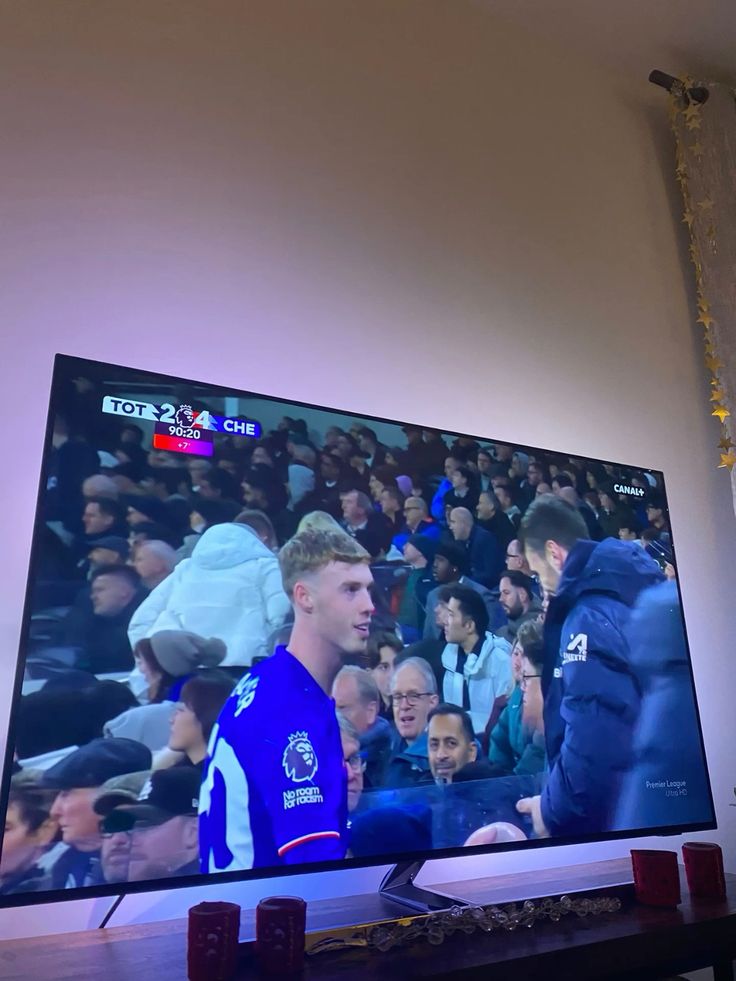
London, England, UK
"flicknexus has been incredible. I bought the 12-month subscription primarily for sports, and I watch football matches in UHD. Zero buffering or lag so far. Very happy!"
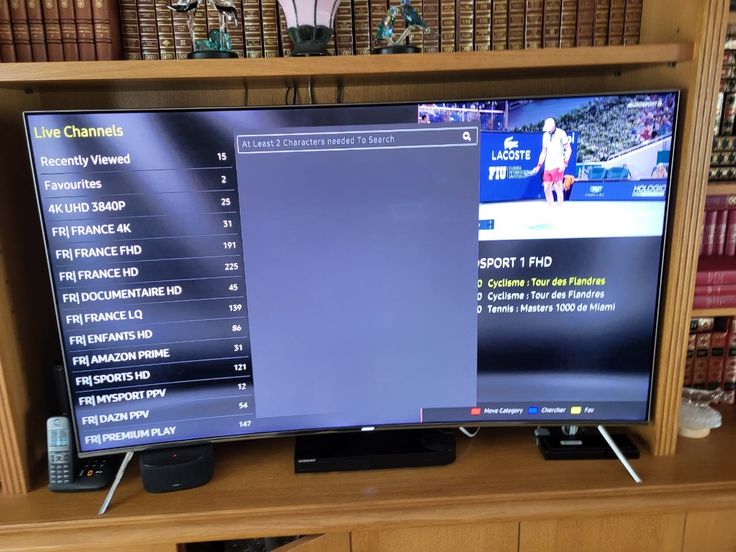
Amsterdam, Netherlands
"The movie collection is gigantic and has all recent releases in multiple languages. It was super easy to set up on my Smart TV app."
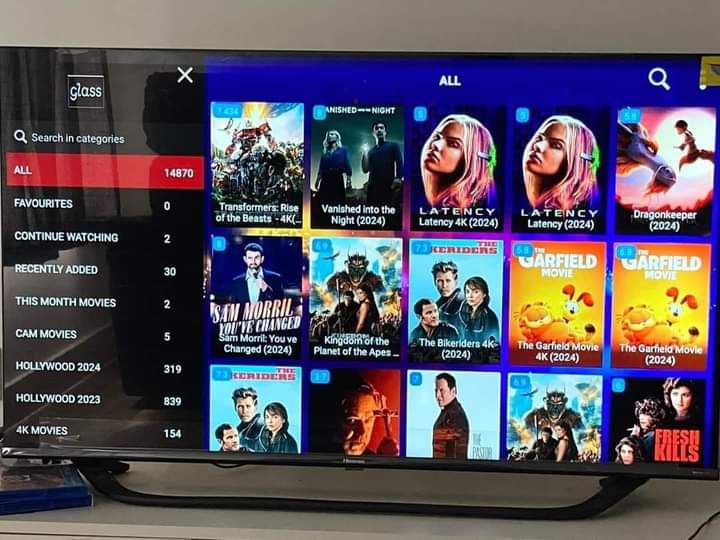
Dublin, Ireland
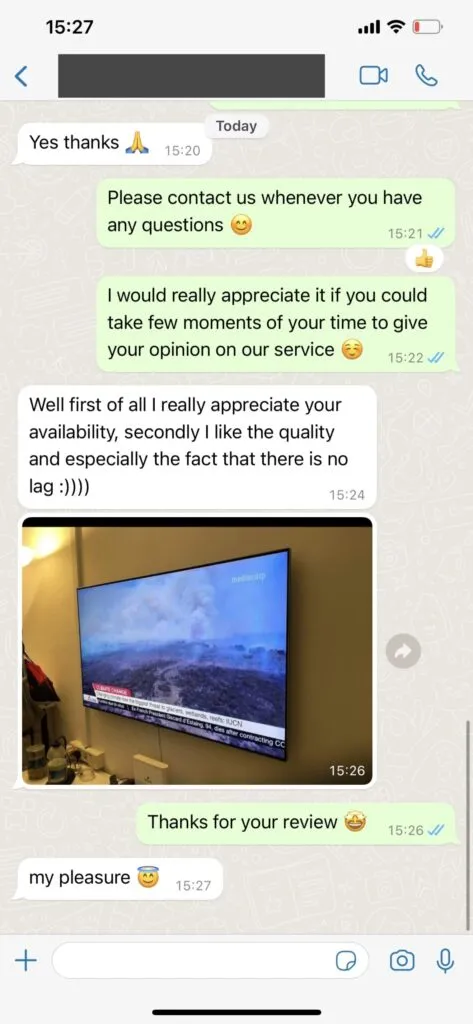
"I was skeptical, but the 24-hour trial convinced me. The anti-buffer servers really do their job. Customer support on WhatsApp answered all my installation questions instantly."
Want to test the server speed and channel selection before ordering? Text us on WhatsApp and get a free 24H trial immediately. No commitments, no payment details required.
We combine cutting-edge technology with premium server architectures to deliver an unmatched TV experience.
Equipped with smart routing algorithms that connect you to local edge nodes in Europe or North America, eliminating stream drops.
Supports modern streaming resolutions. Stream in beautiful 4K, 1080p Full HD, or high-definition formats without stutter.
Our professional support engineers are online day and night to assist with app configuration, credentials, or billing.
Here are answers to the questions we get asked most often about our premium IPTV service.
Our service provides access to over 35,000 live international TV channels from the US, UK, Canada, Europe, and Asia, along with a massive collection of 177,000+ VOD films and TV series. All sports channels (Sky Sports, BT Sport, Peacock, Bein Sports) and premium entertainment channels are included at no extra cost.
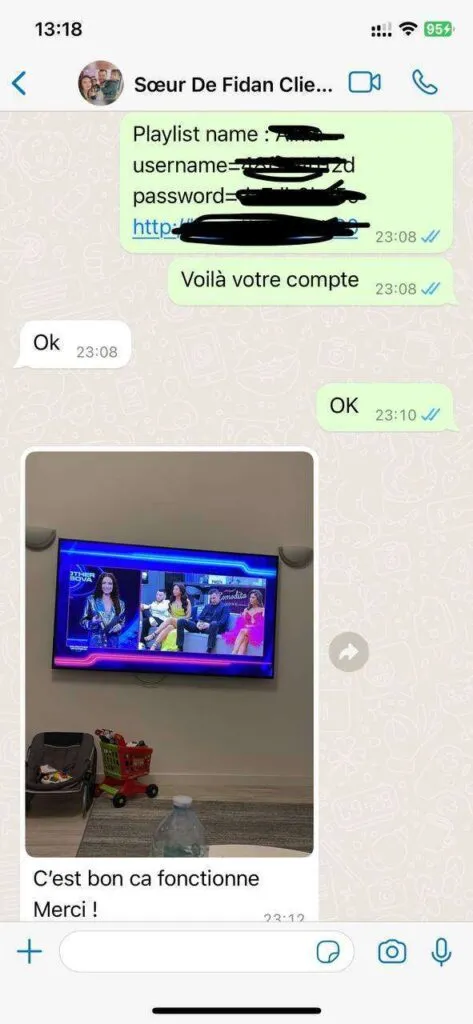
Activation is quick. In most cases, you will receive your login details, portal URLs, and M3U playlists in your email inbox within 10 to 30 minutes after completing your payment. If you need immediate setup assistance, contact us via WhatsApp.
flicknexus IPTV works on all major devices and players. This includes Amazon Firestick, Fire TV Cube, Samsung and LG Smart TVs, Android devices, iOS (iPhone/iPad/Apple TV), Enigma2 boxes, MAG boxes, and computer media players like VLC or IPTV Smarters Pro for Windows/macOS.
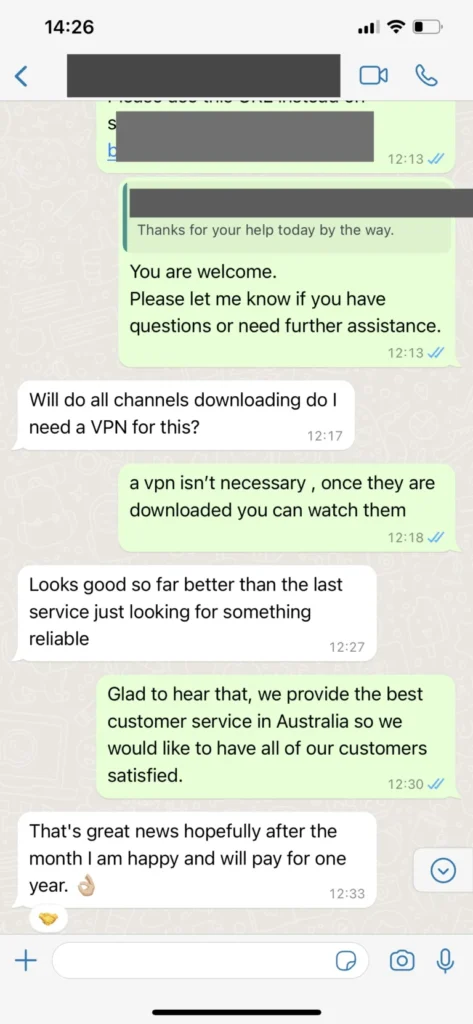
No, you do not need a VPN to watch flicknexus. Our premium servers are fully secure and encrypt all outgoing packets. However, if your ISP has severe throttling policies, using a high-quality VPN can actually improve your stream stability and speed.
We offer a 7-day money-back guarantee. If you experience technical issues or are unhappy with the server stability within the first 7 days of purchase, contact us to receive a full refund, no questions asked.
The television landscape has evolved dramatically over the last decade. Traditional cable services and satellite dishes, which once dominated living rooms across America, are rapidly being replaced by Internet Protocol Television (IPTV). This shift is driven by consumer demand for flexibility, variety, and cost savings. By routing digital television signals directly over internet protocols, IPTV bypasses physical cable hookups, regional satellite dishes, and restrictive contract terms. However, as the popularity of online streaming grows, the market has become saturated with providers offering different channel selections, server speeds, and application configurations. Finding a reliable provider that delivers stable, high-fidelity feeds requires an understanding of the technology under the hood.
Flicknexus has established itself as the leading provider of high-throughput IPTV subscriptions in the United States and the United Kingdom. While budget operators package reseller streams that freeze constantly during peak hours, Flicknexus manages a proprietary, high-speed Content Delivery Network (CDN). By caching live feeds and on-demand movies locally at edge server nodes located in Frankfurt, London, and New York, we eliminate network routing delays. Our infrastructure boasts a 99.99% stream uptime guarantee, ensuring you can watch major live sports events, news broadcasts, and movie releases without buffering or packet loss.
One of the core factors that determines stream stability is video compression coding. Traditional operators stream media in the H.264 (Advanced Video Coding) format. While H.264 is widely compatible, it requires a high network bandwidth to deliver stable Full HD or 4K playback. Flicknexus utilizes the advanced **H.265 / HEVC (High Efficiency Video Coding)** compression standard. HEVC compresses files by approximately 30-50% compared to H.264 while maintaining the exact same picture quality and color accuracy. This allows our subscribers to stream crystal-clear 4K and 8K TV channels without overloading their home internet connections.
To connect to your Flicknexus subscription, you need a third-party media player app installed on your hardware. Our service supports two primary connection formats:
A premium television experience requires an interactive program guide. The Electronic Program Guide (EPG) delivers schedules, show details, and start times directly to your player's dashboard. Flicknexus integrates XMLTV program guides directly into your playlist link. When you load your Xtream Codes credentials, the player maps the channel definition ID to the XMLTV schedule, populating the grid automatically. We also support **Catch-up TV**, allowing you to rewind and watch live broadcasts from the past 7 days, saved on our cloud servers.
Internet Service Providers (ISPs) often monitor bandwidth usage. If they detect heavy streaming packets on your line, they may implement deep packet inspection and throttle your connection speed to reduce overall network congestion. This throttling causes sudden playback drops and buffering loops. Flicknexus addresses this by using advanced end-to-end packet encryption. Additionally, our service is 100% compatible with leading Virtual Private Networks (VPNs) like ExpressVPN, NordVPN, and Surfshark. Using a VPN encrypts your traffic and routes it through private tunnel servers, bypassing local ISP throttling nodes and ensuring private, stable streaming.
Whether you prefer watching on a large screen or on the go, Flicknexus supports all major streaming hardware:
| Device Category | Recommended Apps | Setup Connection Format |
|---|---|---|
| Amazon Firestick & TV Box | TiviMate, XCIPTV, IPTV Smarters Pro | Xtream Codes API Login |
| Samsung & LG Smart TVs | Hot Player, IBO Player, Smart IPTV | MAC Address Link / M3U Upload |
| Apple TV & iOS Devices | GSE Smart IPTV, IPTV Smarters, iPlayTV | M3U Playlist URL or Xtream Codes |
| Computers & Laptops | VLC Media Player, IPTV Smarters PC App | M3U URL or API Credentials |
| MAG Set-Top Boxes | Built-in MAG Portal Client | Server Portal URL registration |
Unlike many monthly subscriptions that rely on automated bills and cancellation traps, Flicknexus operates on a strict non-recurring policy. Your selected plan (whether it is 3, 6, or 12 months) is a single, one-time payment. Once your streaming period ends, your account simply expires. If you want to continue watching, you must renew it manually. Combined with our 7-day money-back guarantee, this ensures you have complete control over your home entertainment budget.
To make sure you get the most out of your subscription, we offer a free 24-hour trial. This trial lets you test our channels and movie categories on your own home network and streaming devices. Try it today and discover why Flicknexus is the leading IPTV provider in the United States and the United Kingdom.
To configure Flicknexus on an Amazon Firestick, you must first enable developer settings. Go to your Firestick home dashboard, open the Settings menu, and select "My Fire TV". Open the "About" tab. Locate the "Fire TV Stick" item and click on it seven times using your remote. A notification will appear at the bottom saying "No need, you are already a developer." Return to the previous menu, and you will see a new tab called "Developer Options". Open it and turn on "Apps from Unknown Sources" and "ADB Debugging".
Next, return to the Firestick homepage, select the search icon, type in "Downloader", and download the official orange Downloader app. Open Downloader, grant it permission to access your local storage files, and select the URL input box. Enter the shortcode or link for IPTV Smarters Pro (e.g. 250931) and click "Go". The application package (.apk) will download. Click "Install" and then "Done". Open the newly installed IPTV Smarters Pro application, select "Login with Xtream Codes API", and input your Flicknexus login credentials, username, password, and the server portal URL. The application will synchronize the channel guides and movie libraries in under a minute, allowing you to start streaming.
If you experience stream buffering, it is usually caused by local hardware or connection issues rather than our servers. First, perform a complete power cycle of your network. Turn off your router and modem, wait for 30 seconds, and turn them back on. This resets cached DNS routing paths and improves connection speeds. Second, we highly recommend using a wired Ethernet connection instead of Wi-Fi. You can buy a cheap USB OTG (On-The-Go) Ethernet adapter to link your Firestick directly to your router.
Third, check if your streaming stick is receiving enough power. Avoid plugging the device's power USB cable directly into the TV's USB port, as these ports often deliver low voltage, causing hardware slowdowns and buffer loops. Always use the original wall adapter. Finally, check your player app options and adjust the buffer cache settings (e.g. set the stream cache buffer to 4 or 8 seconds). This allows the application to pre-load video frames, preventing sudden pauses during internet spikes.
Digital safety is paramount when choosing an IPTV provider. Flicknexus uses advanced security systems to protect our subscriber details and server network directories. Our platform operates with a strict no-logs policy, meaning we never track or log the channels or video-on-demand files you stream. Additionally, our billing portal supports secure checkout protocols, ensuring that your payment data remains fully encrypted and protected against unauthorized access.
To maintain the highest level of network security, we recommend that users utilize a high-quality Virtual Private Network (VPN) when streaming from public hotspots. A VPN creates a secure, encrypted tunnel between your device and the internet, protecting your streaming habits and preventing third-party snooping. By utilizing these safety features, Flicknexus ensures a secure and worry-free digital entertainment environment.
Get Started with Flicknexus Today